Share & Earn Guide: Sharing Your Creations and Earning Credits
By None None
Published: December 9, 2025
10 min read
Tags: Share & Earn, AI Compare Hub, AI Art Community, Public Gallery, Monthly Points, AI Credits, Image Comparison, Video Generation
Category: User Guide
AI Compare Hub is more than a generation tool—it's a community where creators learn from each other and earn rewards for sharing their work. This guide covers everything you need to know about sharing your creations, managing your shared content, and earning monthly points that convert to credits.
Building an AI Art Learning Community
One of the most powerful ways to improve your AI art skills is by studying how others approach prompts, parameters, and model selection. AI Compare Hub's public galleries serve as a living library of techniques, styles, and creative approaches.
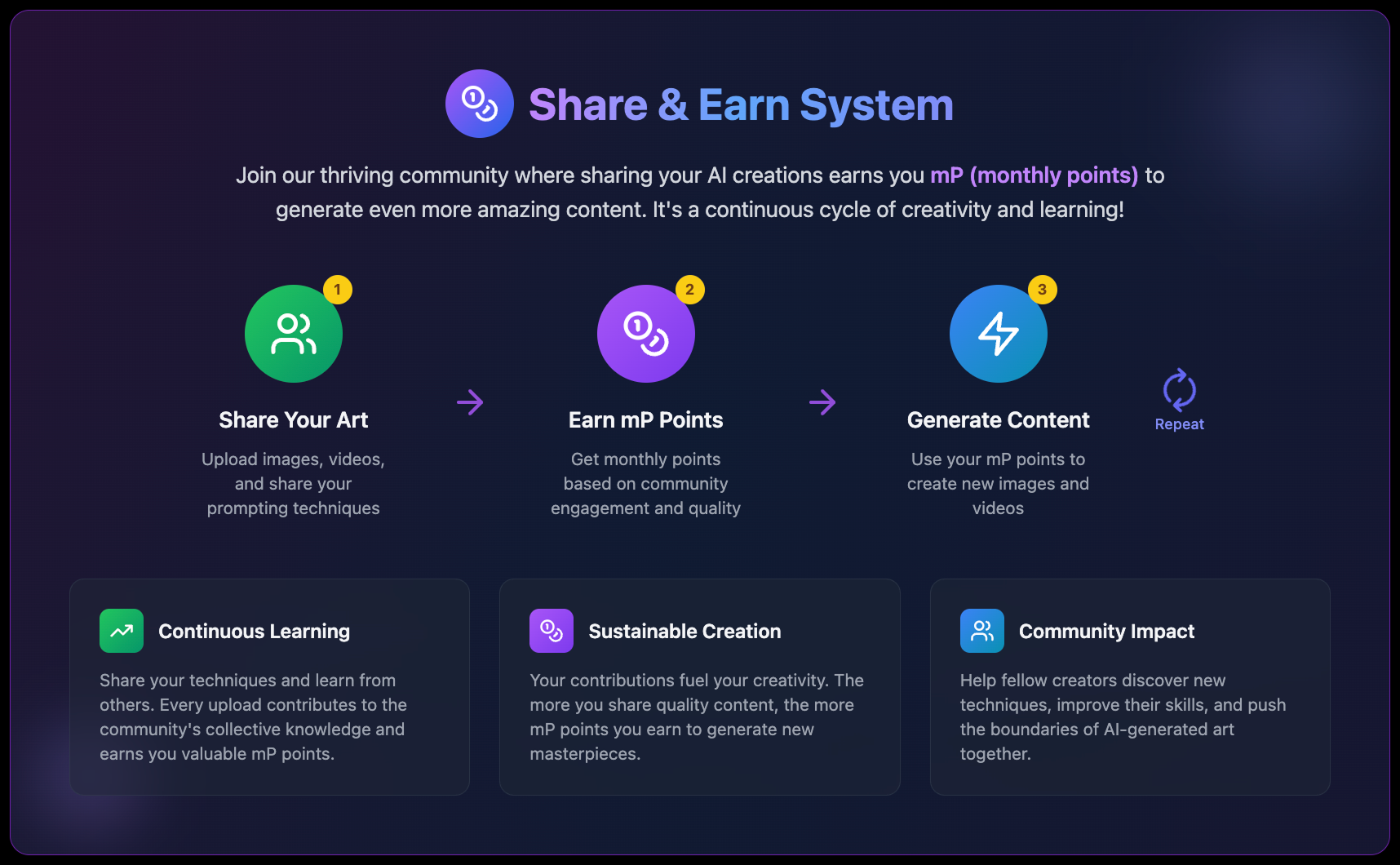
When you share your creations, you contribute to this collective knowledge base. Other creators can study your prompts, see which models you chose, and understand how different parameters affect the output. In return, you gain visibility, community engagement, and monthly points that convert to credits.
The sharing ecosystem creates a virtuous cycle: the more you share, the more others learn—and the more you earn. Whether you're comparing models side-by-side, demonstrating image transformations, or showcasing video generation techniques, your contributions help the entire community grow.
Managing Your Shared Content
Once you've created shared content, you have full control over editing, publishing, and deleting it.
Saving as Draft
Every upload page offers two options: Save as Draft and Publish. Drafts let you save your work without making it public.
Browsing and Discovery
- Masonry Grid Layout: Content displays in a Pinterest-style layout that adapts to different image sizes.
- Infinite Scroll: More content loads automatically as you scroll down.
- Trending: See what's popular based on engagement.
- Recent: Browse the latest uploads.
Search and Filtering
- Text Search: Search by prompt, title, or tags.
- Platform Filter: Filter by AI platform (Stability AI, Midjourney, etc.).
- Model Filter: Filter by specific AI models.
- Sort Options: Sort by trending, recent, or most liked.
Interaction Features
- Like: Show appreciation and add to your favorites.
- Comment: Join discussions and ask questions.
- Share: Copy links or share to social media.
- Report: Flag inappropriate content for moderation.
Start sharing your creations today and join the AI Compare Hub community. The more you share and engage, the more credits you'll earn—and the more you'll help others learn and grow in their AI art journey.
Frequently Asked Questions
What is the Share & Earn system on AI Compare Hub?
The Share & Earn system rewards creators for sharing AI-generated images and videos in the public gallery. By publishing content and engaging with the community, you earn monthly points (mP) that automatically convert into credits.
How do I share my creations to the public gallery?
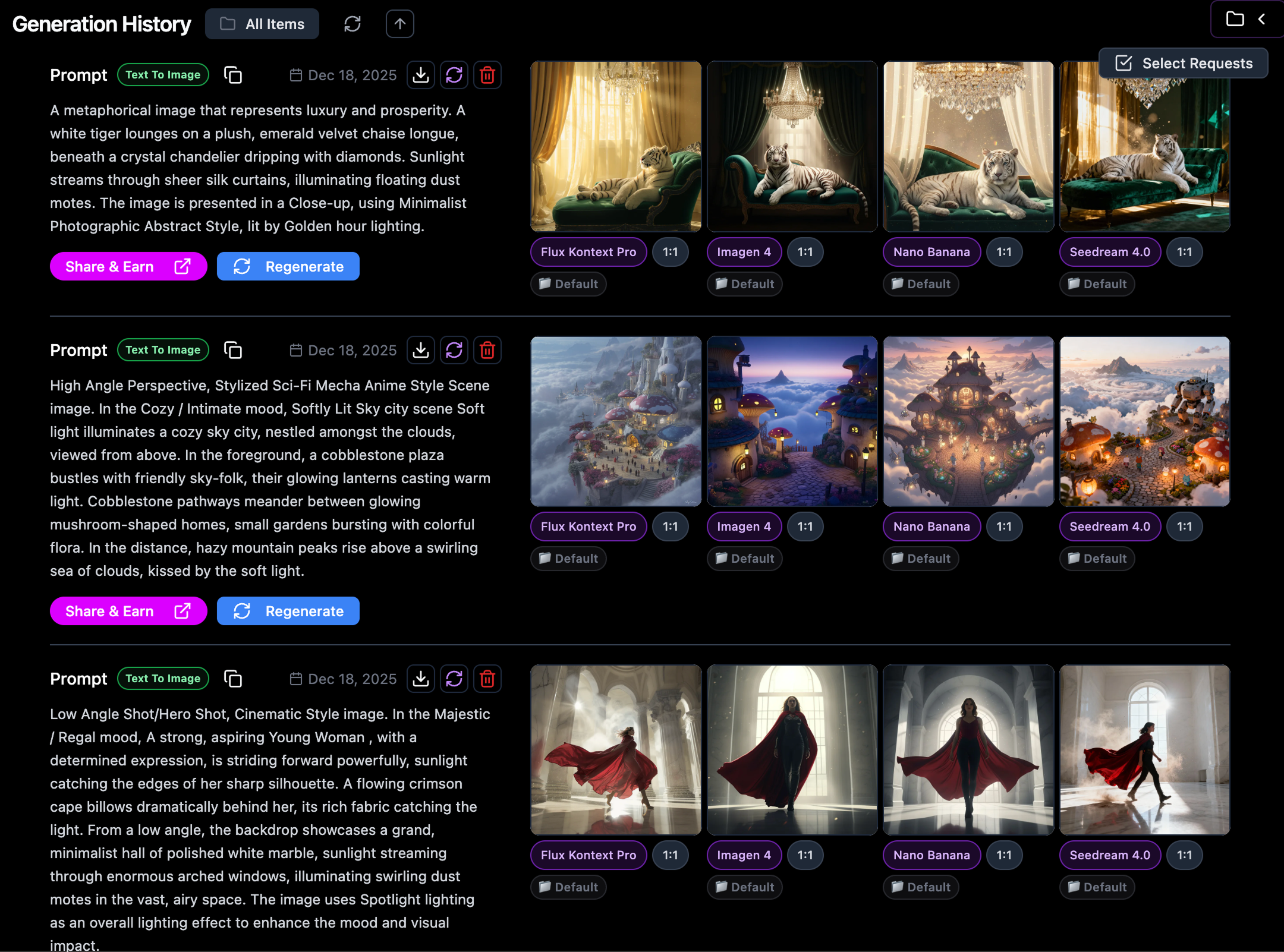
You can share content directly from your Generation History, the Generated Images/Videos panel, or by uploading manually through the Share & Earn upload pages. AI Compare Hub automatically routes you to the correct upload format based on your generation type.
What types of content can I share?
You can share Image Comparisons, Image-to-Image Showcases, and Video Prompt Showcases. Each format is designed to highlight different AI generation techniques and help others learn.
Do drafts earn monthly points?
No. Drafts are private and do not earn monthly points. Only published, publicly visible content qualifies for earning mP.
How do I earn monthly points (mP)?
You earn mP by publishing new posts, receiving unique user likes, and when other users create variations inspired by your content. Each qualifying action earns 1 mP.
How are monthly points converted into credits?
At the start of each month, your previous month’s points convert automatically at a rate of 1 mP = 5 credits. Converted credits expire after 60 days.
Can I edit or delete shared content?
Yes. You can edit titles, prompts, tags, media, and parameters at any time. You can also unpublish content by saving it as a draft or permanently delete it from the gallery.
What are the monthly leaderboard rewards?
The top three creators each month receive bonus credits: 10,000 credits for 1st place, 5,000 for 2nd place, and 3,000 for 3rd place, based on total mP earned.